Documentation Index

Fetch the complete documentation index at: https://docs.visioncam.xyz/llms.txt

Use this file to discover all available pages before exploring further.
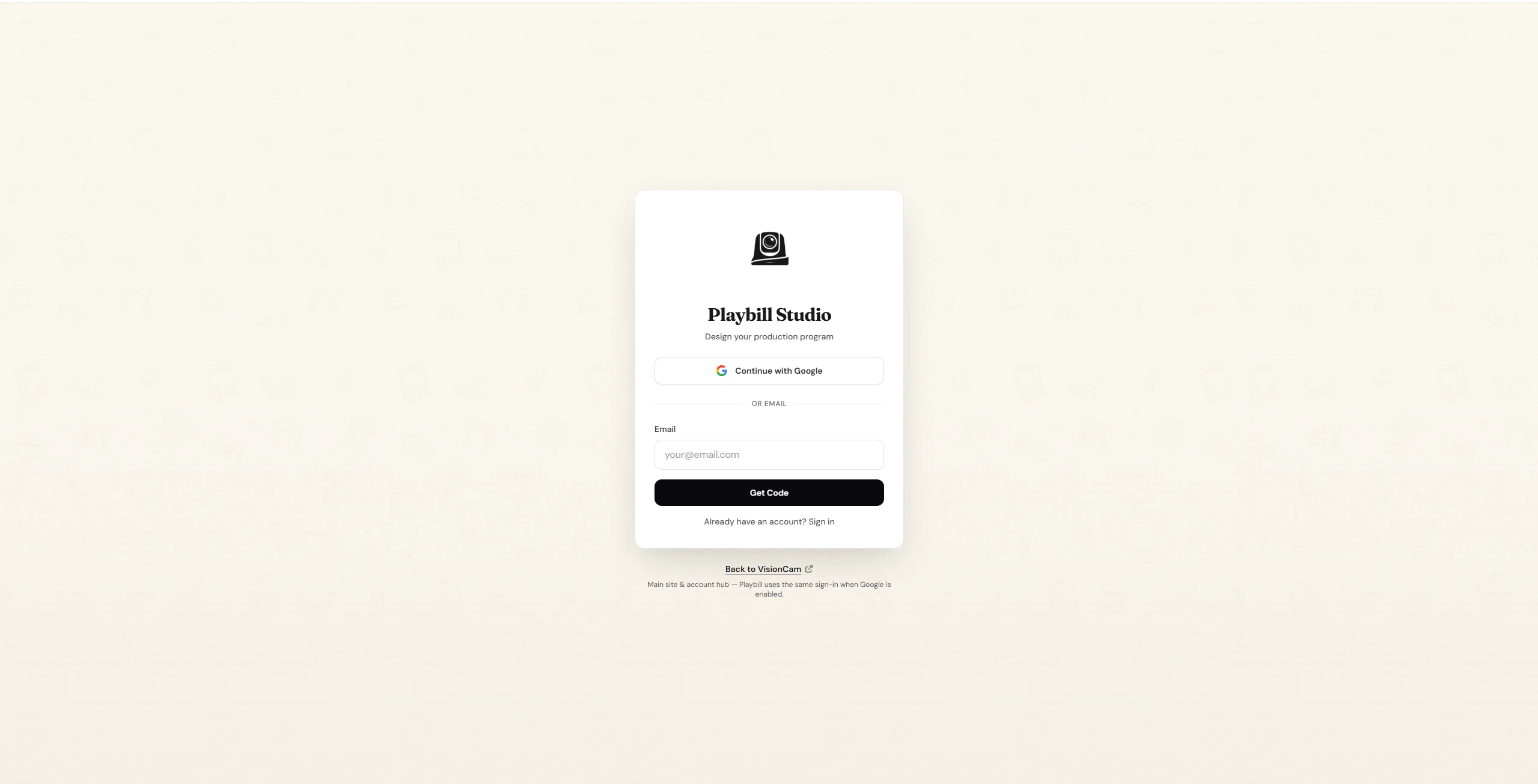
Head over to VisionCam Playbill to get started.
Playbill login screen
You can create an account in two ways — with Google or with Email.

Sign Up with Google

1

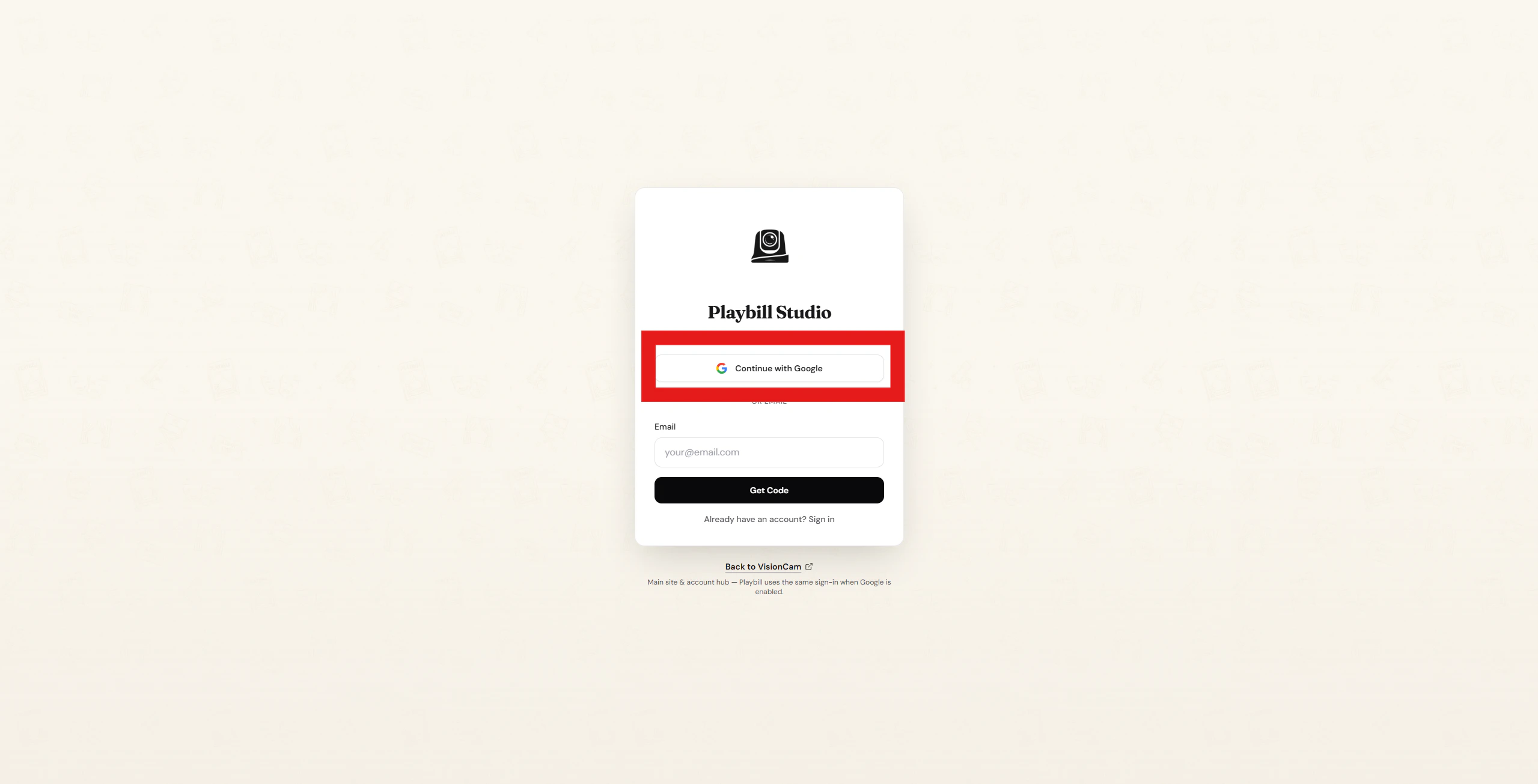
Click 'Continue With Google'

On the login page, click the Continue With Google button.
Continue with Google button
2

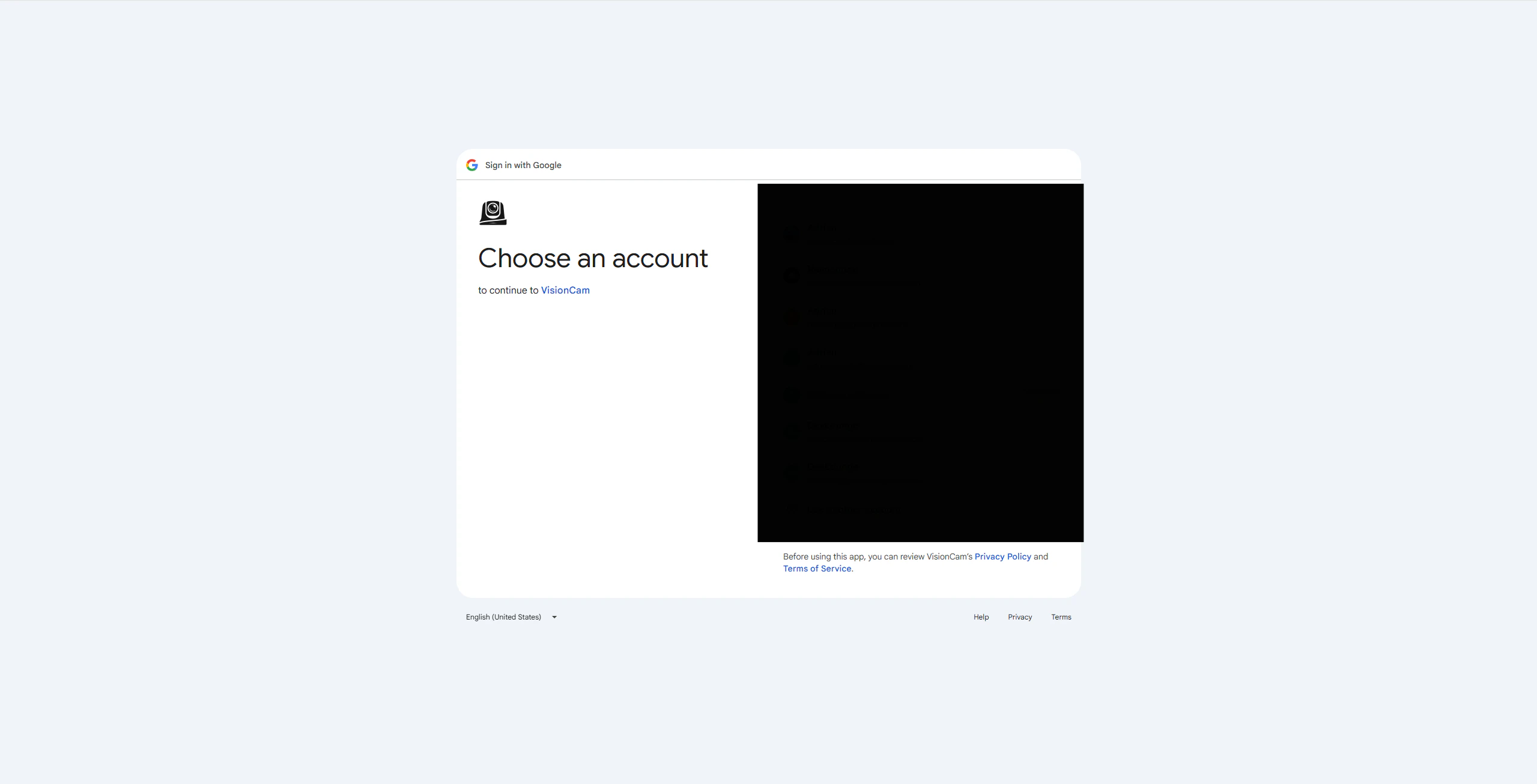
Select your Google account

You’ll be redirected to Google. Select the account you’d like to use.
Google account selection
3

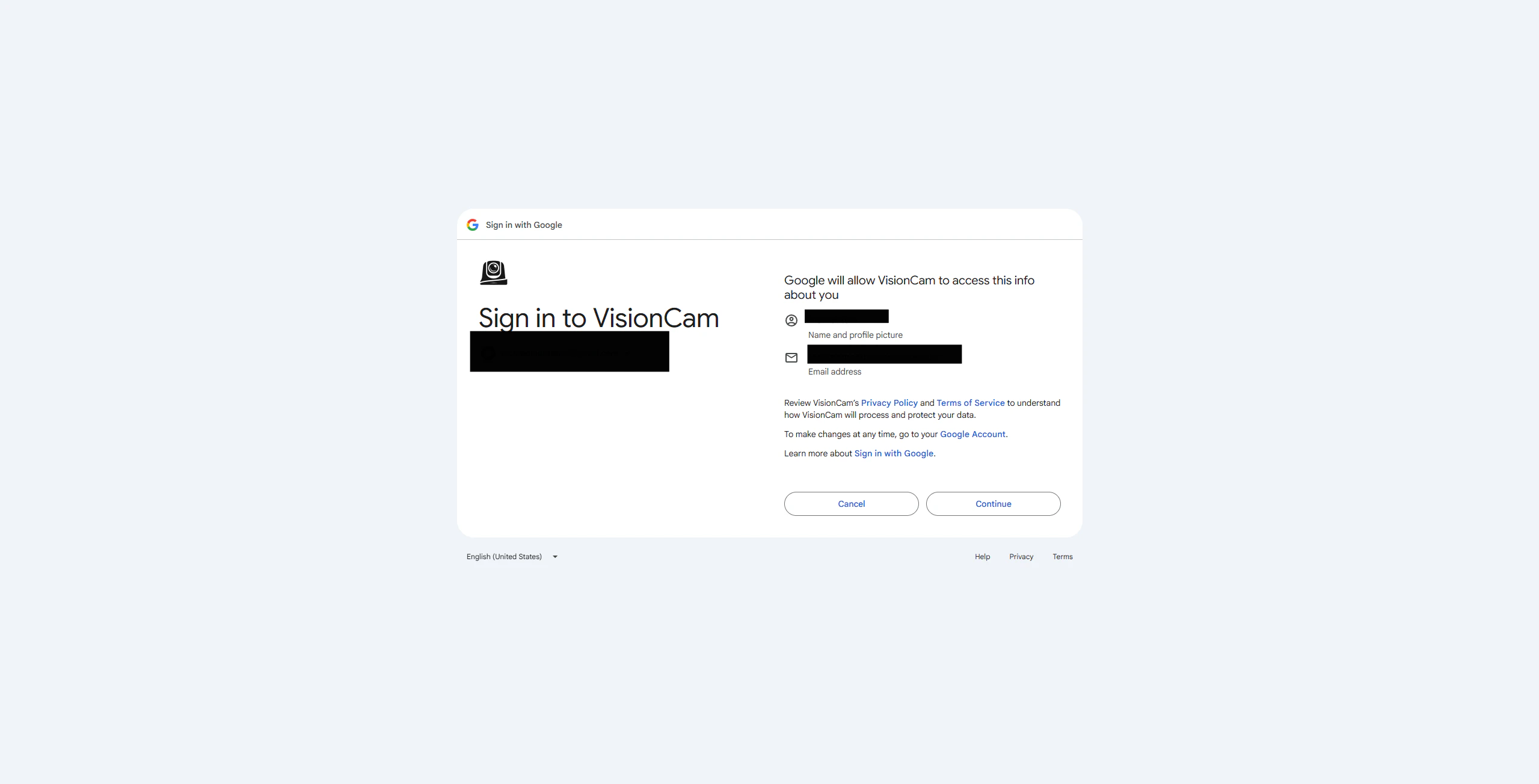
Confirm and continue

Click Continue to finish creating your account.
Confirm account creation
You’re all set! Your account has been created.

Sign Up with Email
1

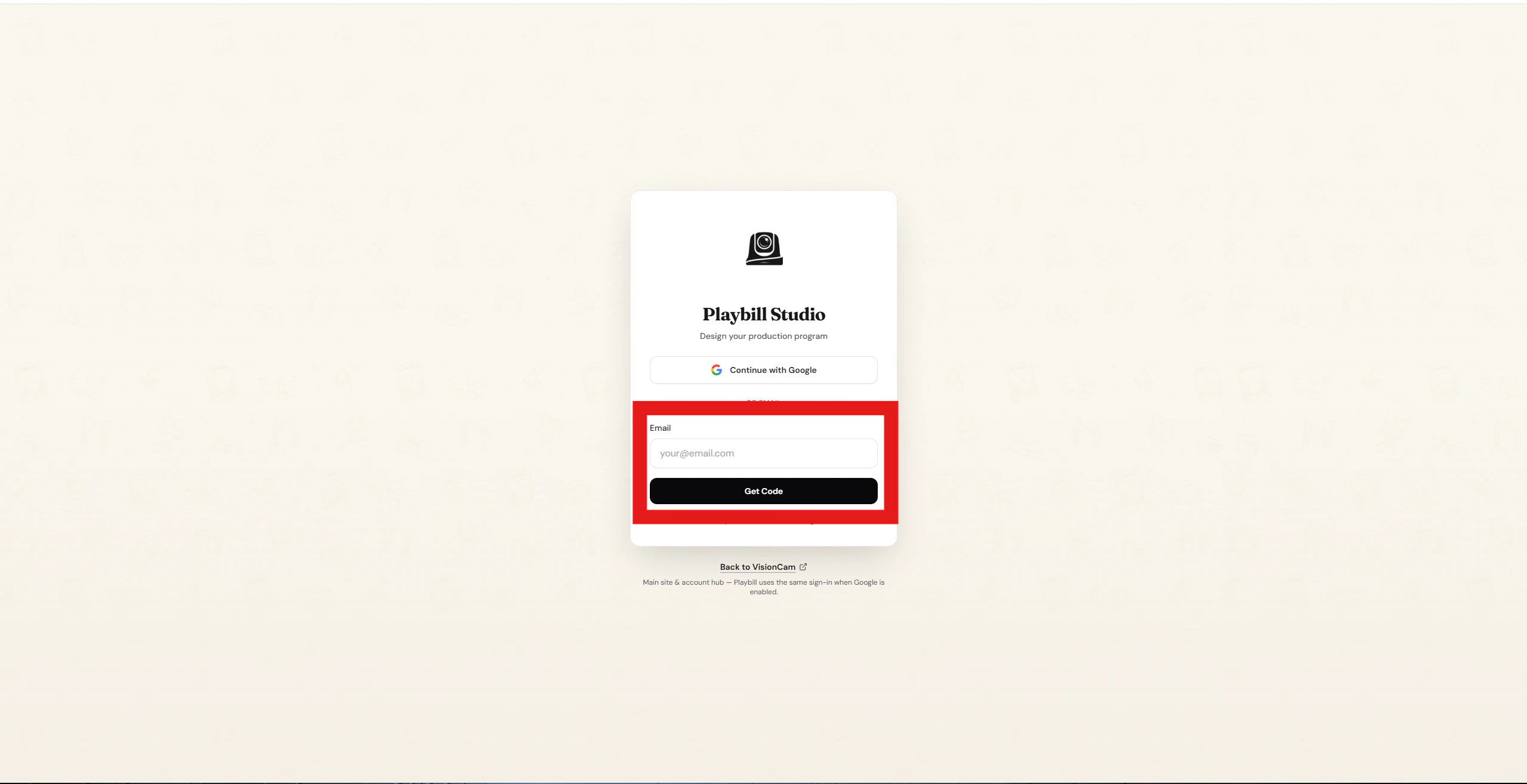
Enter your email

Type your email address into the Email field and click Get Code.
Enter email address
2

Check your inbox

A verification code will be sent to your email. Enter the code on the next page and click Verify & Create Account.
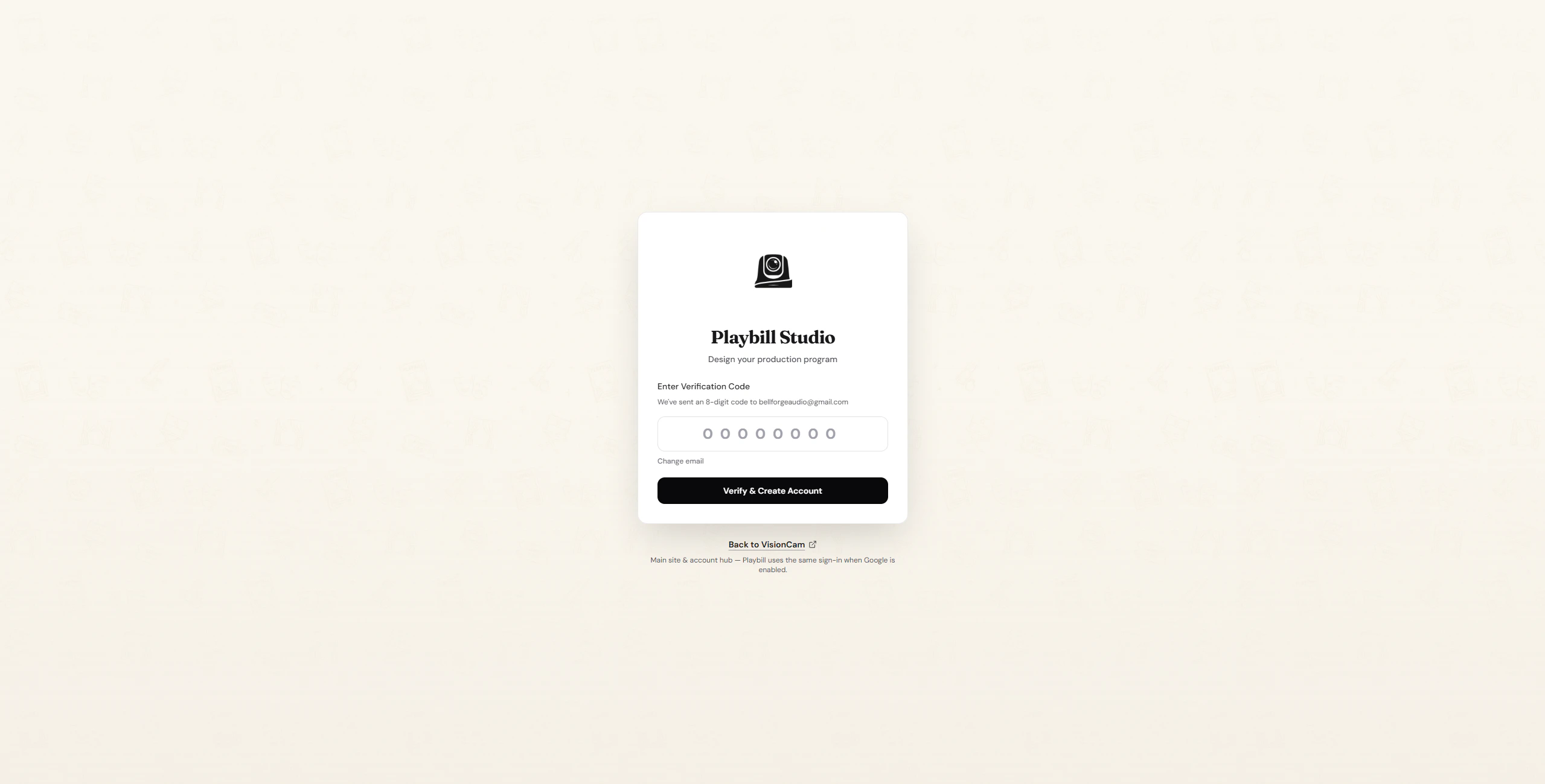
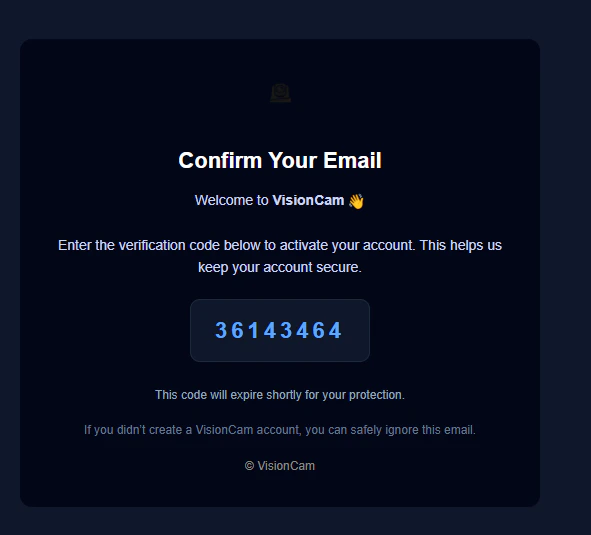
Enter verification code
3

Account confirmed

Account created confirmation
You’re all set! Your account has been created.