

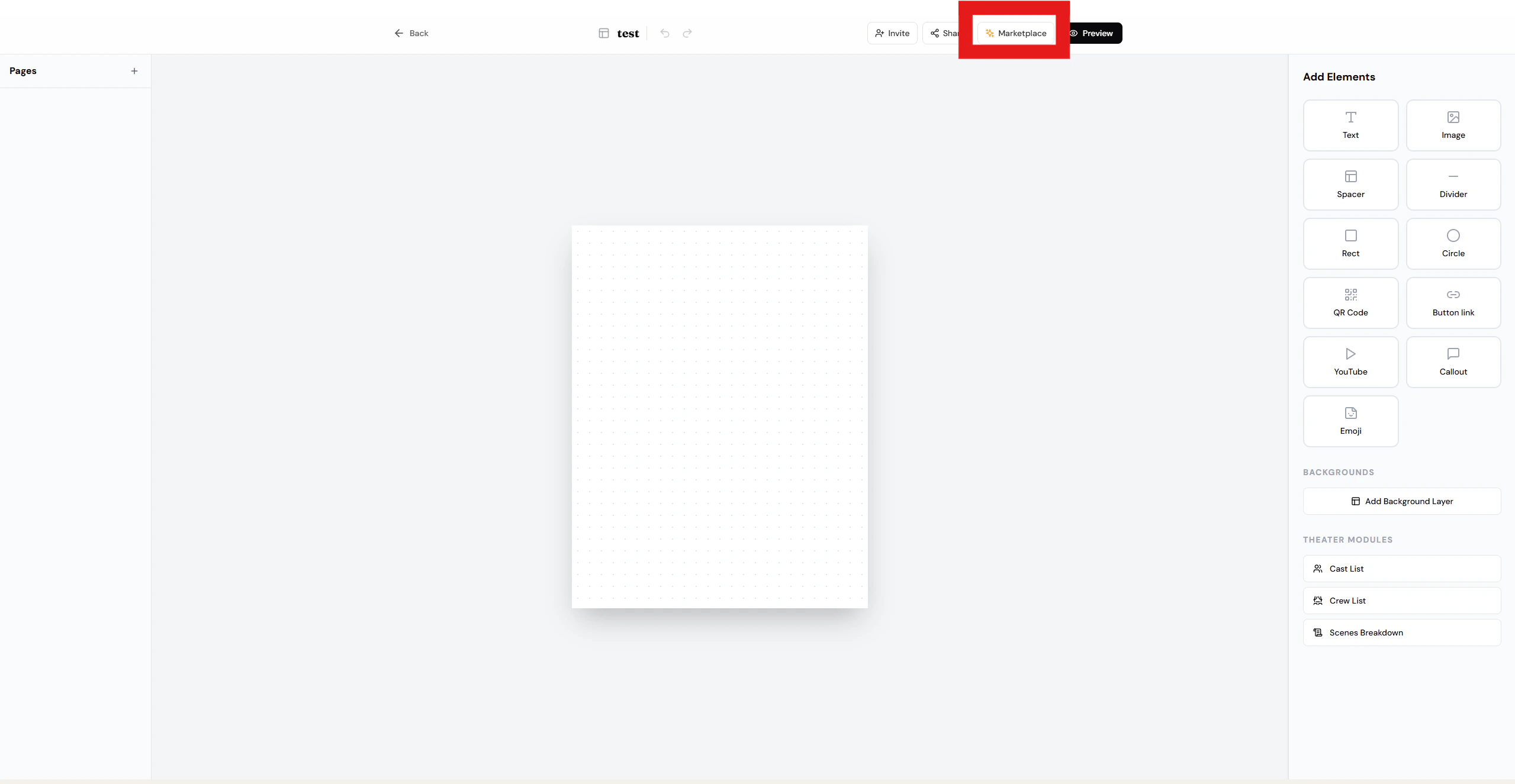
Once you’ve finished designing your playbill, you can publish it to the Marketplace so others can use it as a template.Documentation Index
Fetch the complete documentation index at: https://docs.visioncam.xyz/llms.txt
Use this file to discover all available pages before exploring further.
Steps
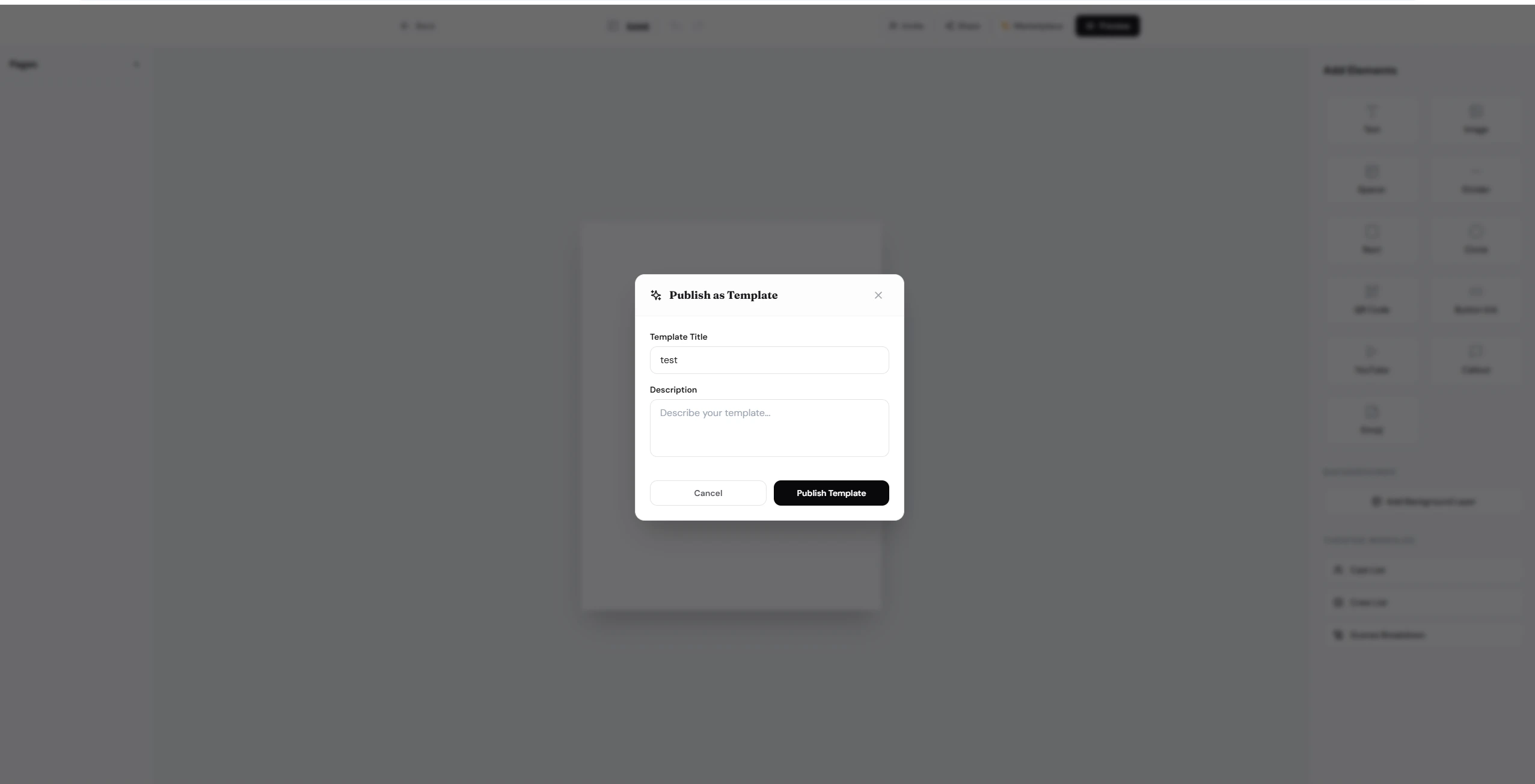
Your template is now live in the Marketplace and available for other users to discover and use.
Tips
- Name — use a descriptive name that reflects the playbill’s style or event type (e.g. “Elegant Theater Night”).
- Description — briefly explain the layout, color scheme, or ideal use case so users know what to expect.
- You can unpublish or update your template at any time from the Marketplace settings.